How Can We Help?
How to verify HMO details
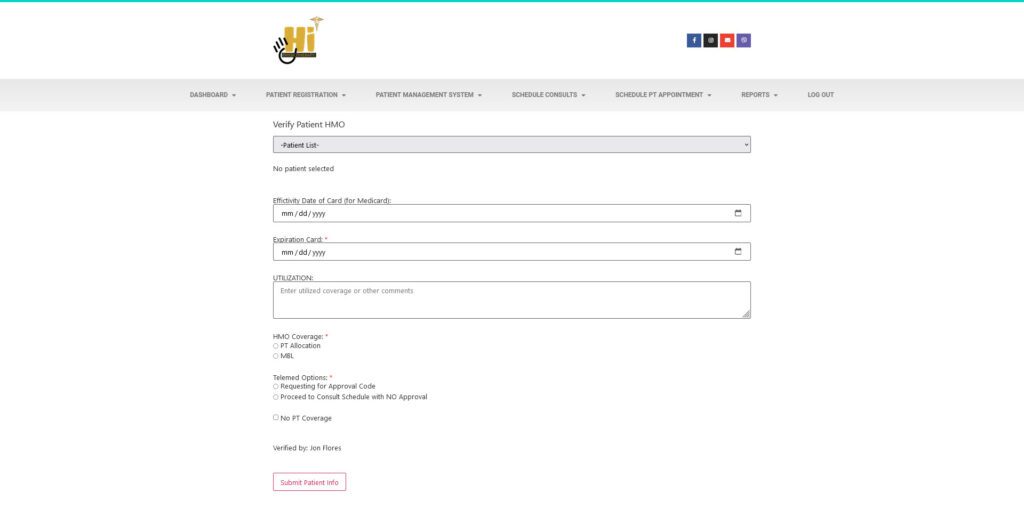
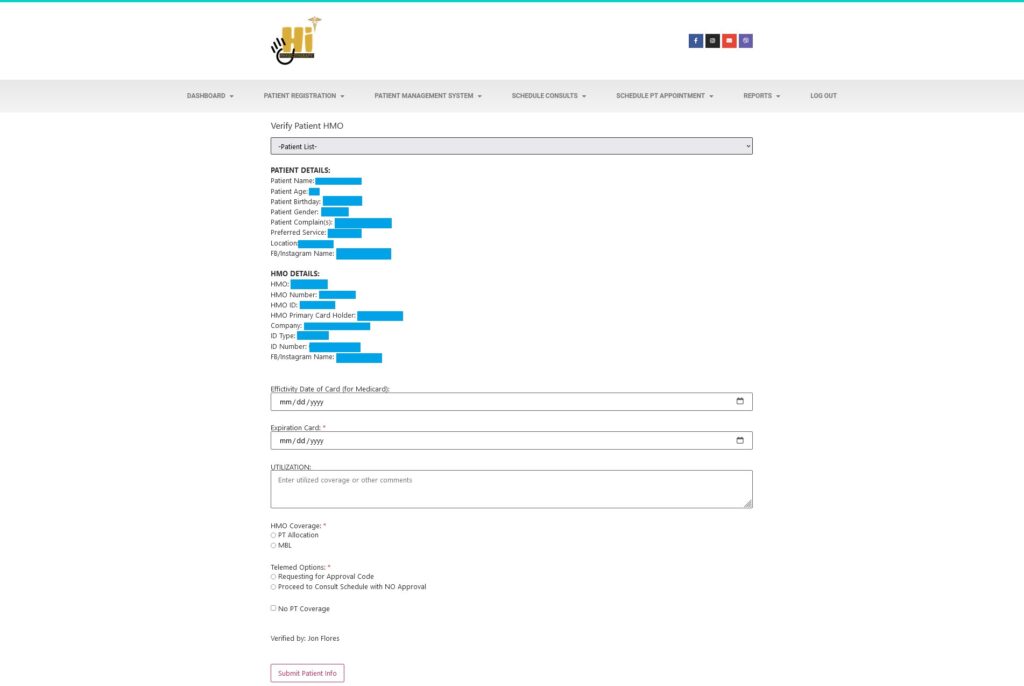
Below is a screenshot of the Verify HMO form. You will be taken to this page automatically after clicking the Register Patient button on the Patient Registration form. If it does not automatically redirect you to that page you can go there by clicking Patient Management System > Verify Patient HMO or Patient Management System > Patient Menu > Patient Status > Pending Verification.