Introduction
Items in this Category are listed on how they appear on each menu items and are only for Admins, Approvers and Therapists.
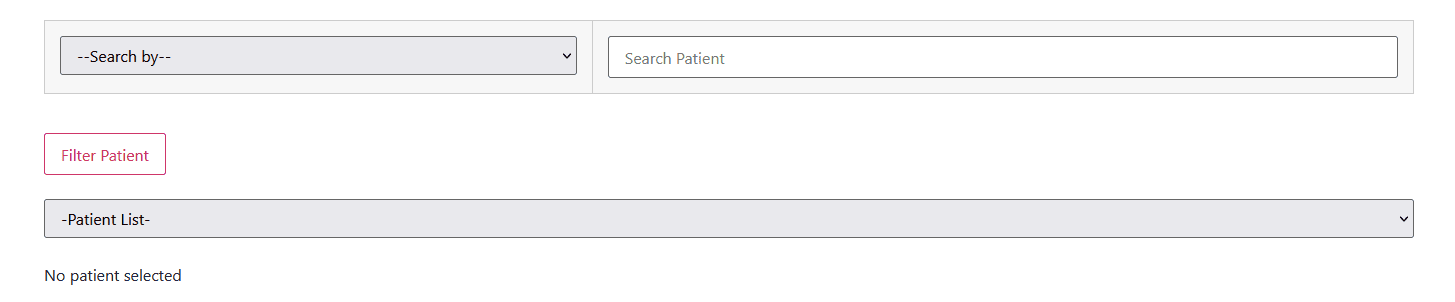
We have two type of search sections, one where you have to search using First Name, Last Name or Patient ID, and the other one is where you are provided with boxes or let’s say search options where the table below it refreshes based on what you put in either of those boxes.
This is the first one

After selecting from the options provided, click Filter Patient and a Patient List drop-down will appear where you can select a Patient. After selecting a patient from the list, basic info, HMO info and any other information related to the page where you at are going to be displayed.
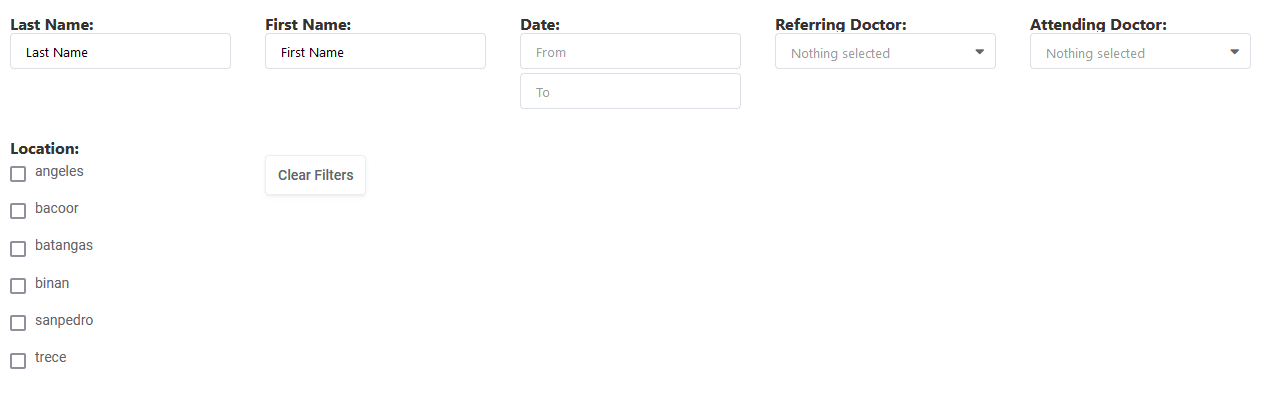
This is the second type of search section. The screenshot below is just an example and options or boxes provided may vary depending on which page you are at. The table below it will refresh depending on the value you enter or select on the options or boxes provided.
I will do my best to explain each page and if you think I missed anything or if you feel we need to add, remove or change anything, please feel free to send me a message.