How Can We Help?
-
Announcements and Changelogs
-
Menus and Sub-menu items
- Introduction
- Patient Registration
- Patient Menu - Patient Details for Admin
- Patient Menu - Manage Patient
- Patient Menu - Patient Status
- Verify Patient HMO
- Patient Consultations - Add Vital Signs
- Patient Consultations - Add Patient Consult
- Patient Consultation - Add Patient DX on Existing Consult
- Patient Consultations - Edit Patient DX
- Patient Consultations - Manage Patient Consults
- Patient Consultations - Add/Edit Diagnosis
- Patient Procedure Breakdown - Add Patient Procedure
- Patient Procedure Breakdown - Cash Breakdown
- Patient Procedure Breakdown - Manage Patient Breakdown
- Patient Notes - Add Patient Notes
- Patient Notes - Manage Patient Notes
- Progress Reports - Add Progress Report
- Progress Reports - Manage Progress Reports
- Schedule Consults - Display Consult Schedule
- Schedule Consults - Add Consult Approval
- Schedule Consults - Add Consult Sched
- Schedule Consults - Manage Consult Sched
- Schedule PT Appointment - Manage PT Sched
- Schedule PT Appointment - Add PT Sched
- Show Remaining Articles (10) Collapse Articles
-
Frequently Asked Questions
- How to update LOE/LOA?
- How to correct Patient Status?
- Unable to add consult summary?
- How to update patient assigned to wrong Therapist?
- How Add/Modify Approval HMO Agent?
- How to Add/Modify Comments on Procedure Breakdown?
- How to update patient location/site?
- How to change body part on Procedure Breakdown?
- How to update or modify patient notes?
- How to process Backlogs?
- How to update date on Patient Notes?
- How to update Approval Date?
- Patient not appearing in EOD Reports?
- What to do with duplicate patient account?
- Double Entry in Patient notes/visit?
- What to do when a patient cancels or reschedule an appointment?
- What to do when approval code expires?
- No diagnosis when when filling out Procedure Breakdown?
- Unable to add Consult Summary
- Show Remaining Articles (4) Collapse Articles
Patient Management System > Patient Menu > Patient Details for Admin (Admin only)
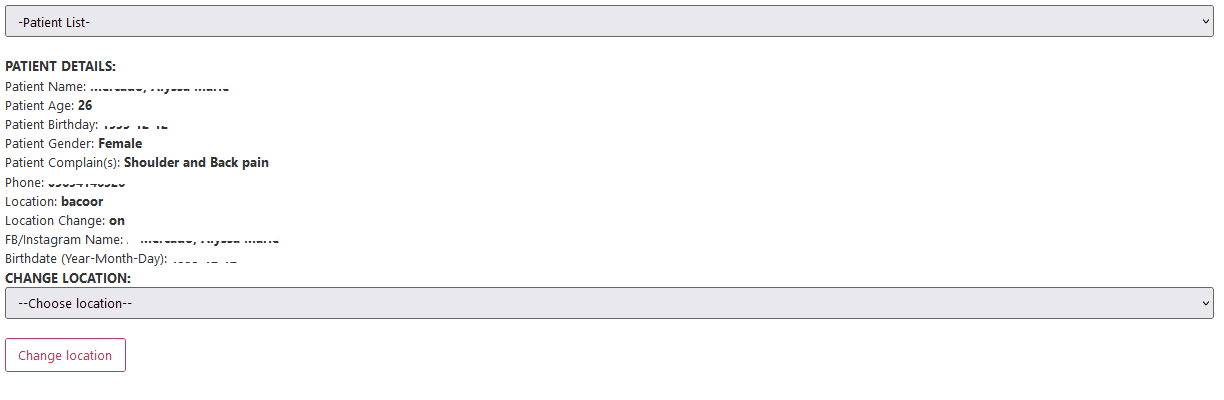
Search by Given Name, Last Name or Patient ID and click Filter Patient. Select Patient from the Patient list box and information about that patient is going to displayed.

Scroll down and you will see the Change location option
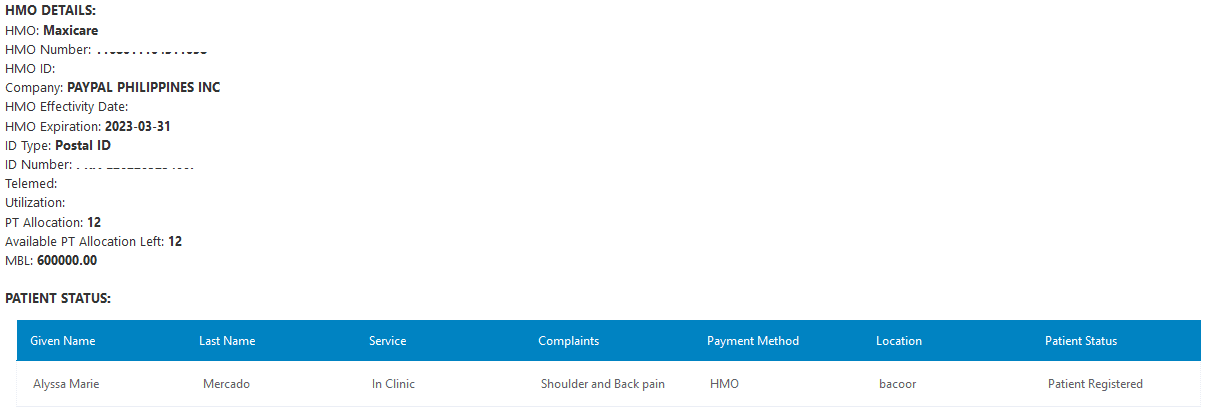
Scroll down a bit more and you will see the patient’s HMO details
Below are other information that you will see for the patient. Click on each image to enlarge.
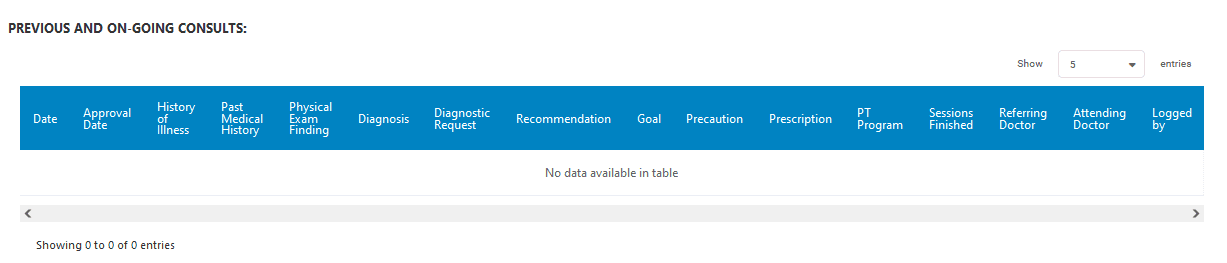
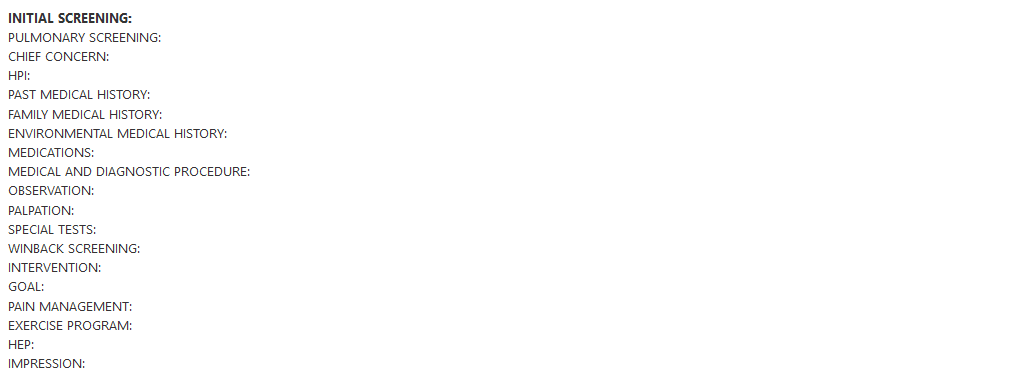
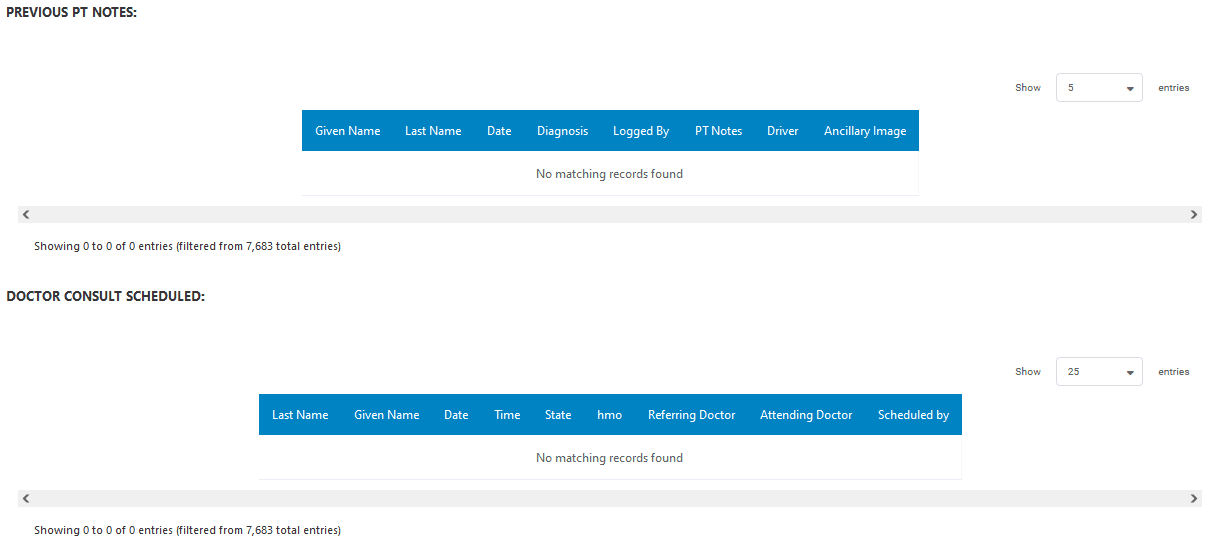
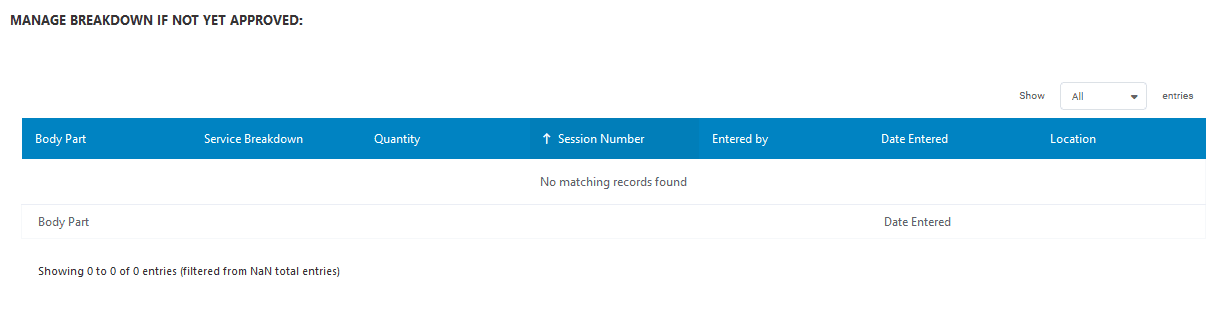
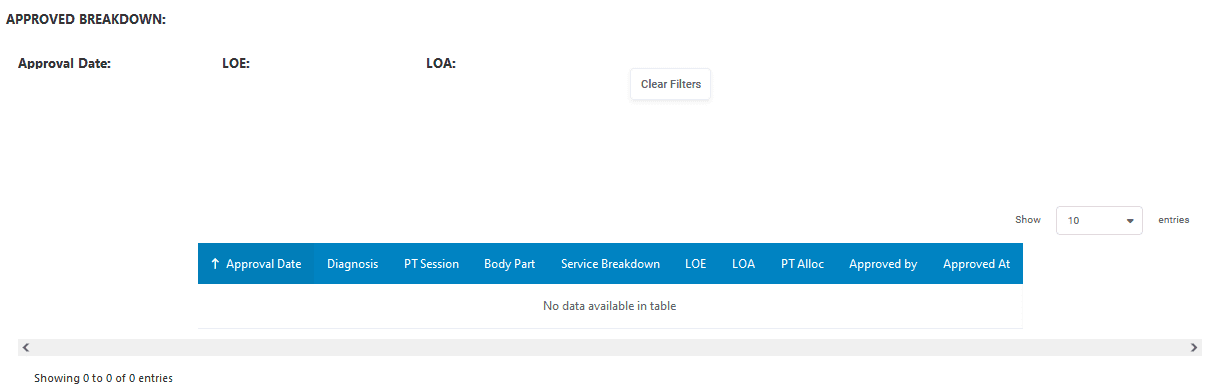
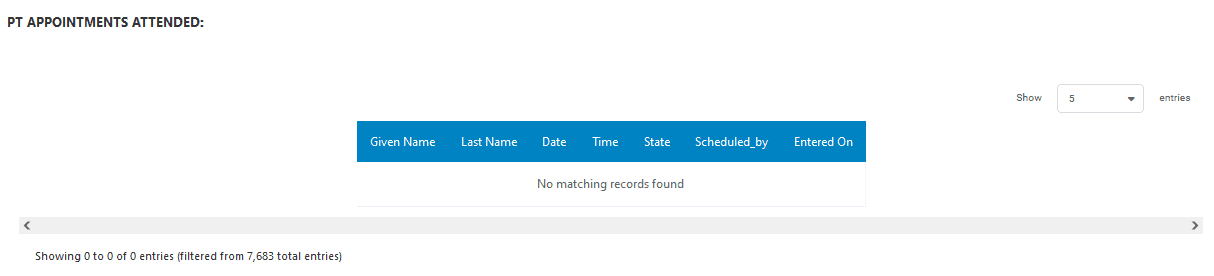
Table of Contents