How Can We Help?
Patient Consultations – Add Patient Consult
Patient Management System > Patient consultations > Add Patient Consult (Admin & Approver only)
Search by Last Name, First Name or Patient ID and click Filter Patient. Select Patient from the Patient list box. Patient Basic info, HMO details, Vitals signs and Previous and ongoing consultations are going to be displayed.

The box below the information mentioned above is the Diagnosis drop-down box, where you can choose the Diagnosis that you wish to add to the current consultation.
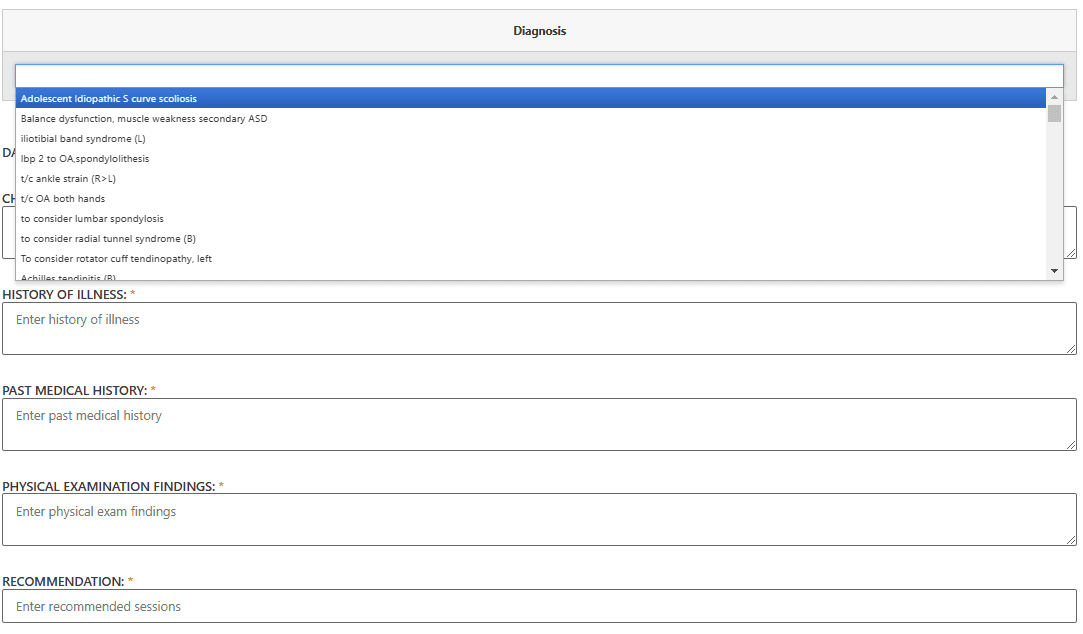
Below are all fields in the form
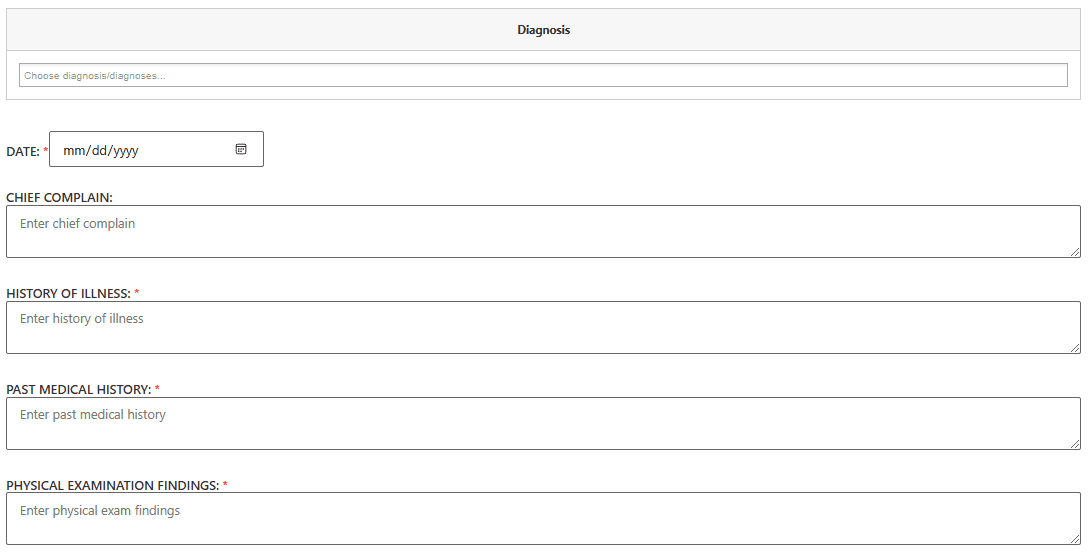
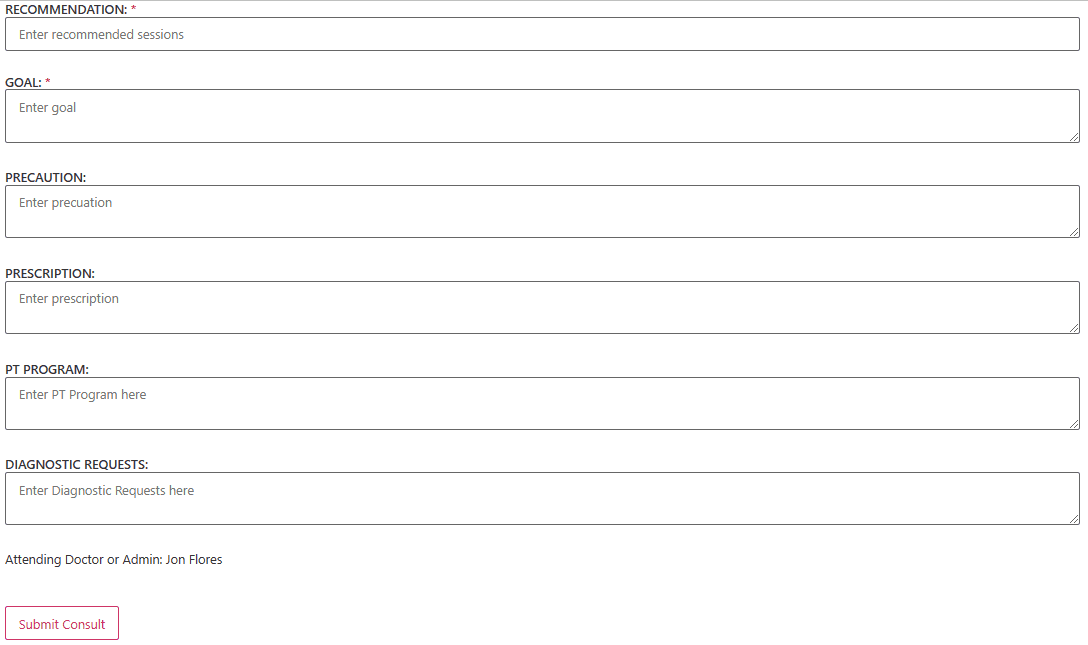
And below are all the required fields
- Diagnosis
- Date
- History of Illness
- Past Medical History
- Physical Examination Findings
- Recommendation
- Goal
Press Submit Consult when done.