How Can We Help?
Patient Menu – Manage Patient
Patient Management System > Patient Menu > Manage Patient (Admin & Approver only)
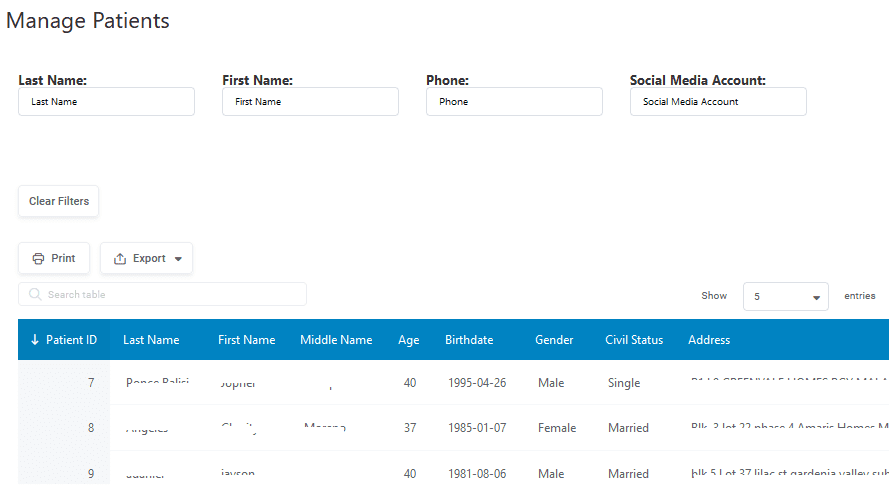
You can use Last Name, First Name, Phone and Social Media Account to search for the patient. The table will auto-refresh when you put any value in the boxes provided.
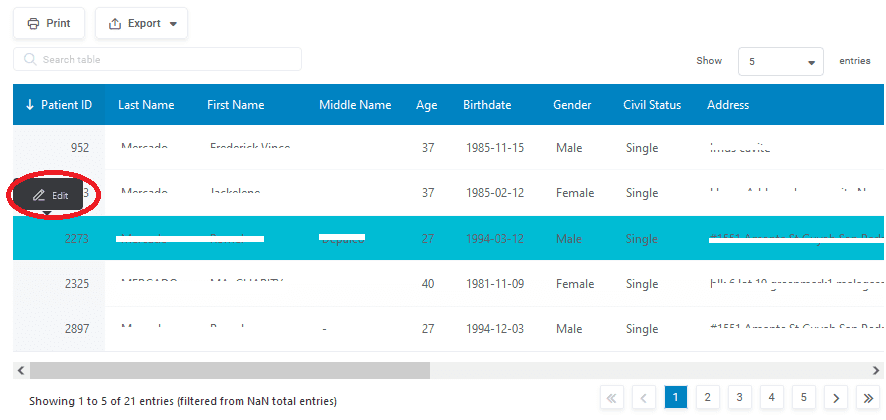
Once search results are displayed, you can click a row on the table to edit the basic information of the patient.
Below are the details that can be changed
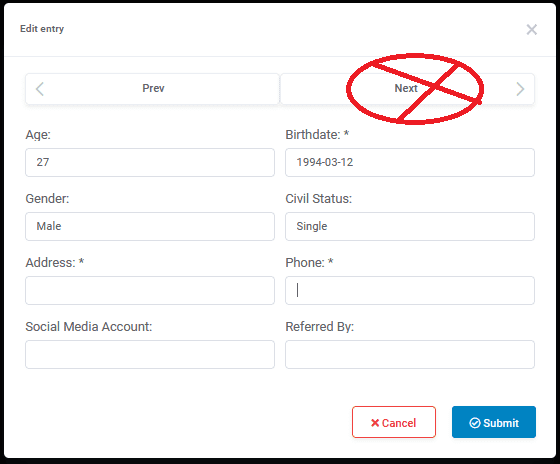
Important: The reason why I put an X Mark on the Next button is because, clicking Next will move you to the next patient. Just be extra careful when modifying details and make sure that you are changing details for the correct patient.
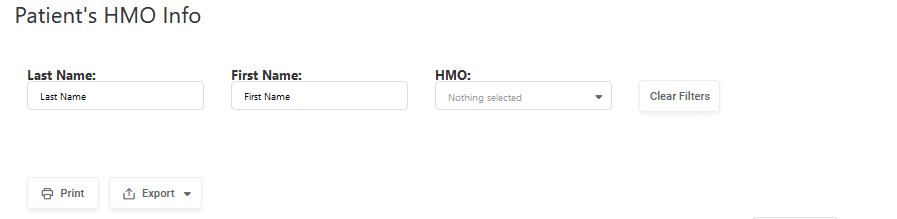
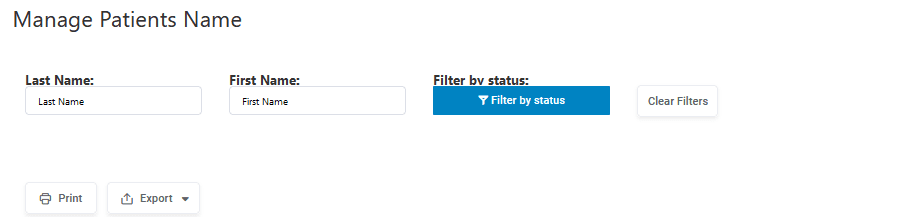
Same process applies to Patient’s HMO Info and Manage Patient’s Name. Same warning as well.