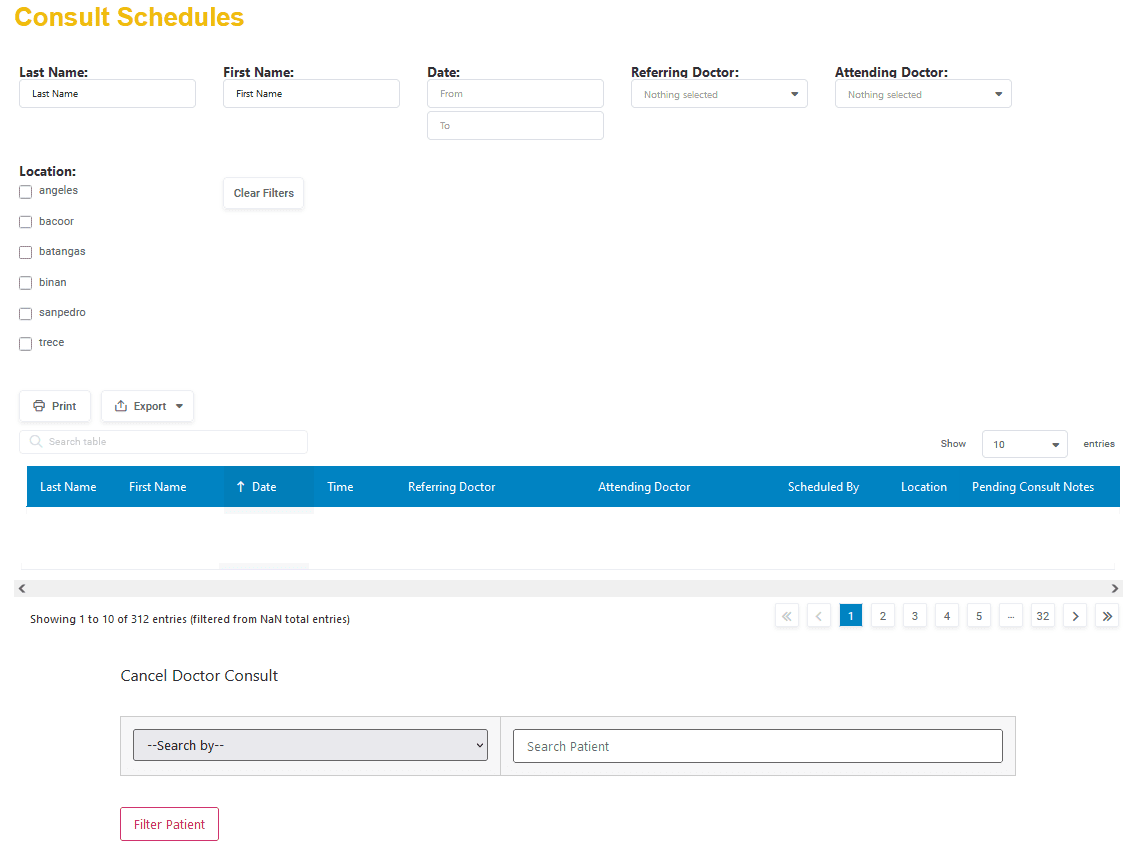
Schedule Consults
Admin & Approver only
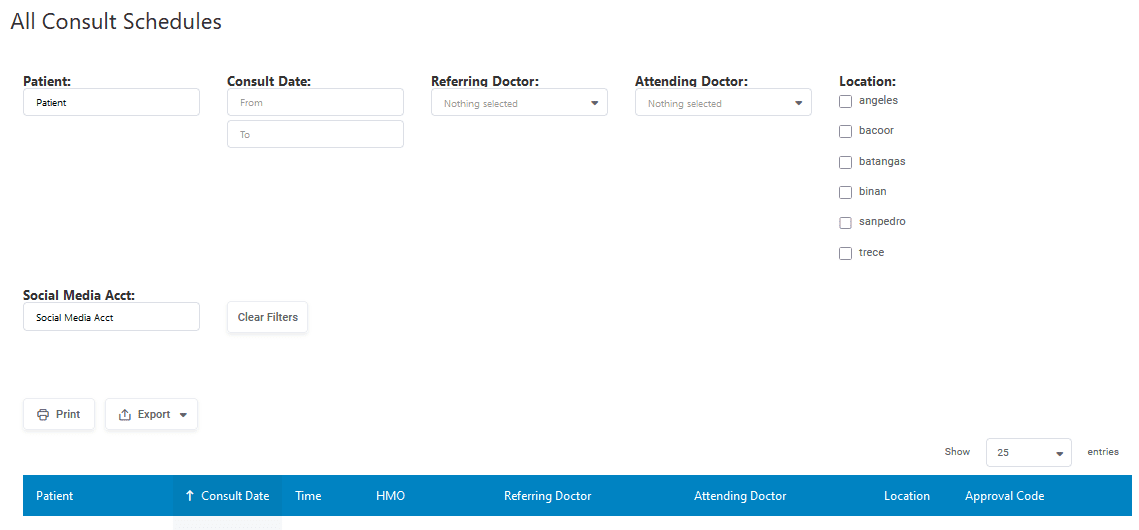
Display Consult Schedule – This will display all future consultation schedules
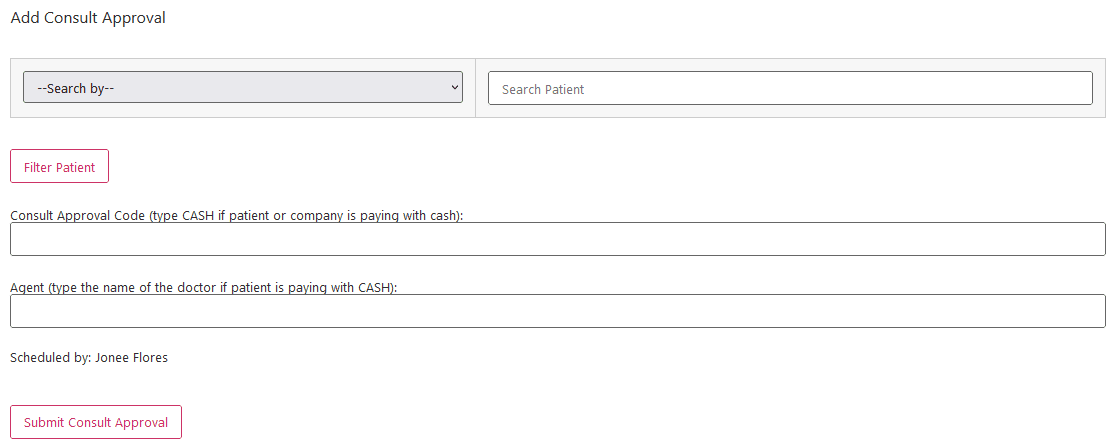
Add Consult Approval – Search by Given Name, Last Name or Patient ID and click Filter Patient. Select Patient from the Patient list box and information about that patient is going to displayed. Enter the information required on the boxes provided and click Submit Consult Approval.
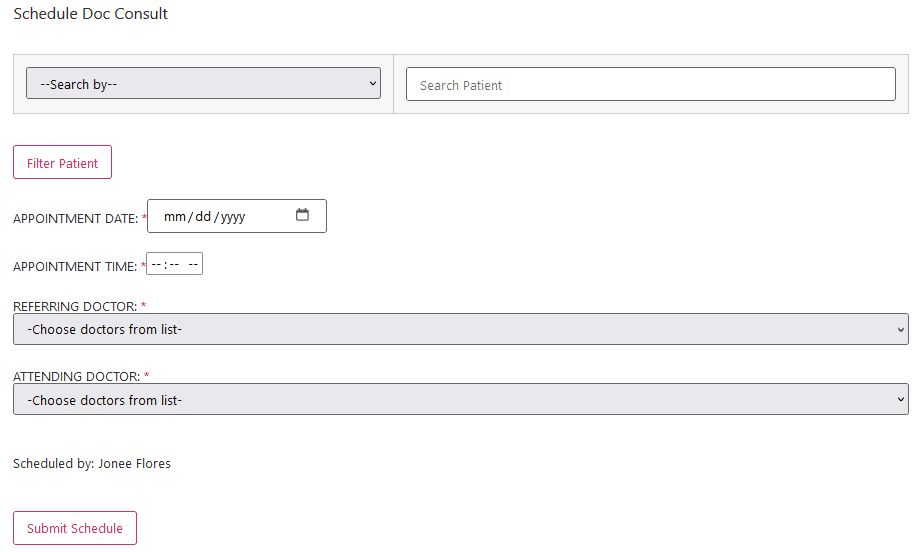
Add Consult Schedule – Search by Given Name, Last Name or Patient ID and click Filter Patient. Select Patient from the Patient list box and information about that patient is going to displayed. It will also display any existing schedule for that patient. Fill in the required details and click Submit Schedule.
Manage Consult Schedule – This is where you can manage consultation schedules including cancellation.