Patient Management System
PATIENT
– Patient Details for Admin – This is where you can search for a patient and all details about the patient are going to be displayed. Below screenshot shows what will be displayed after selecting a patient for the list of results.
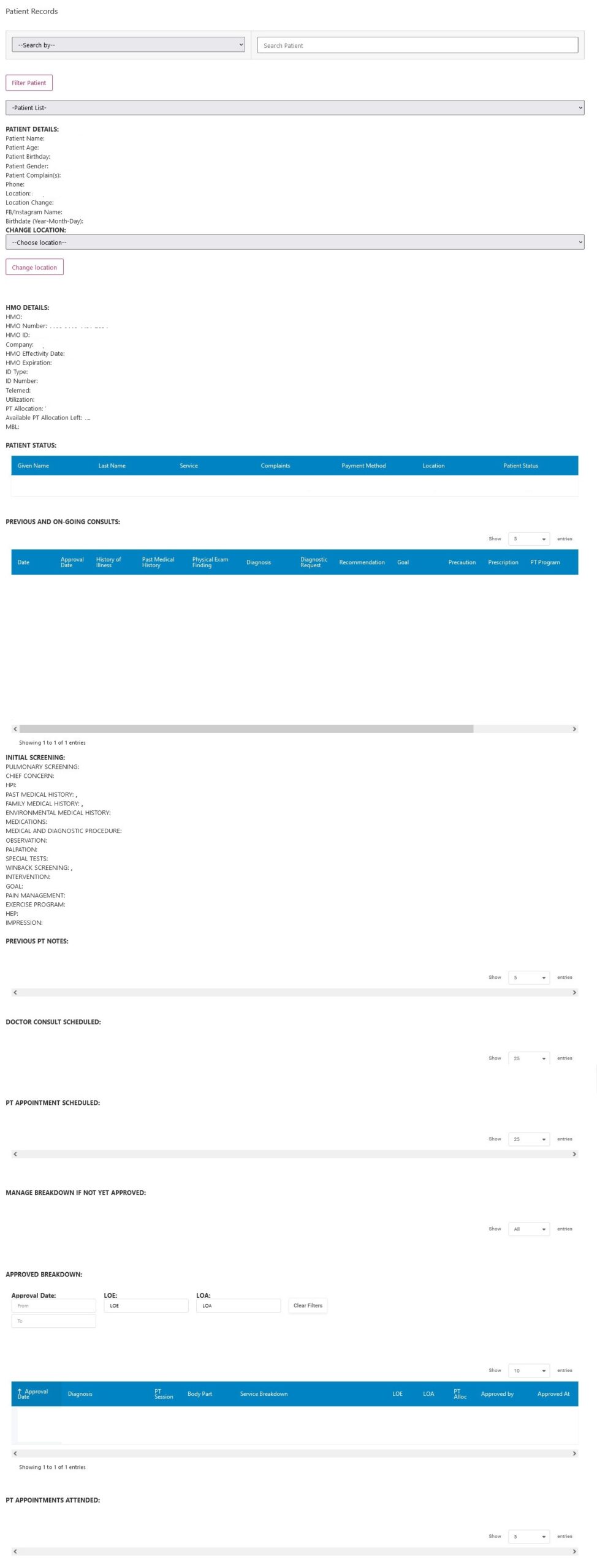
– Manage Patient –
– Patient Status – Below are the items you can select from, from this sub-menu
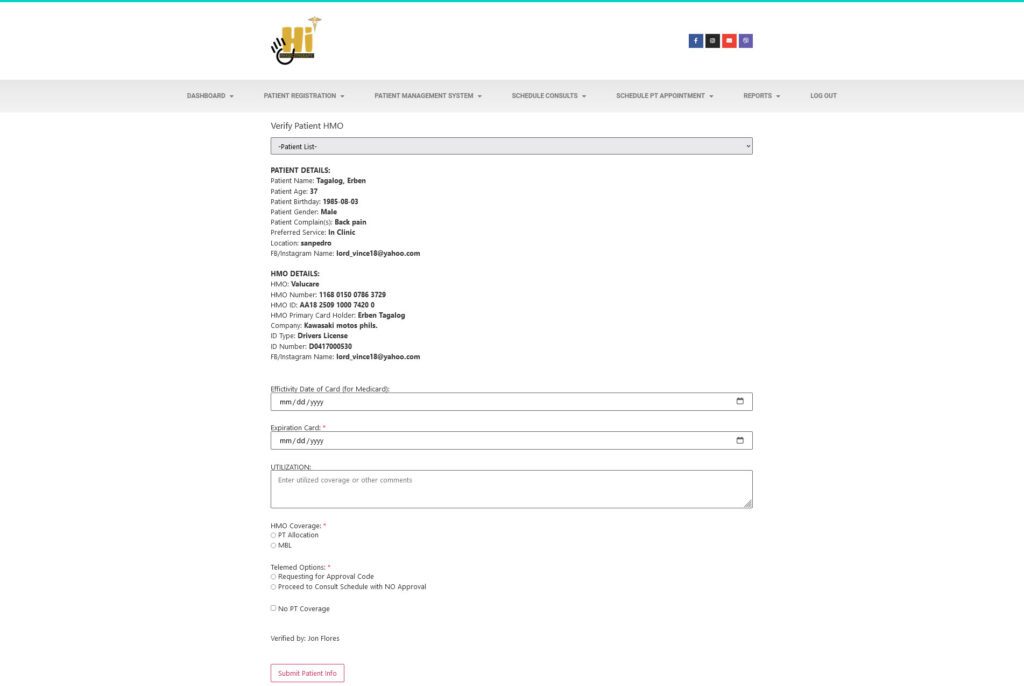
Pending Verification – HMO verification, same as the Verify Patient HMO menu item
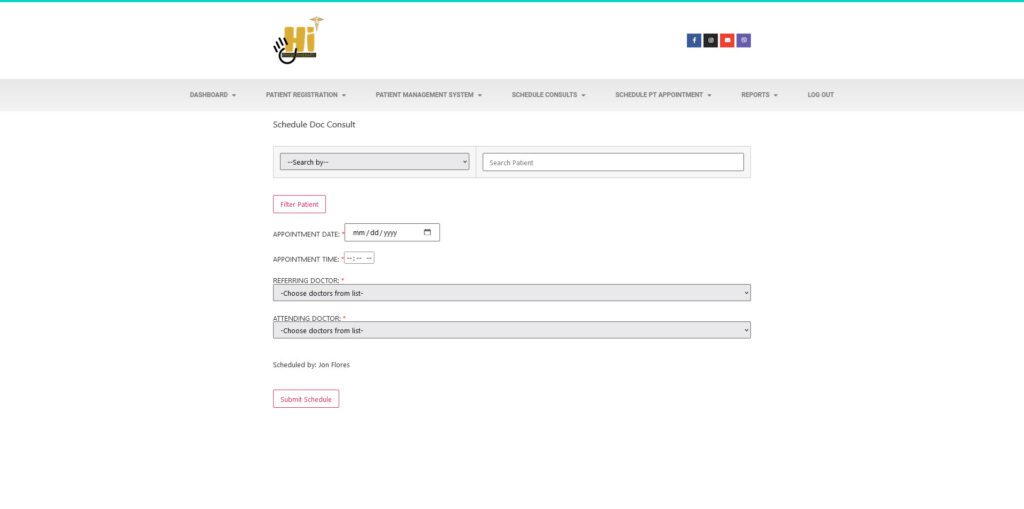
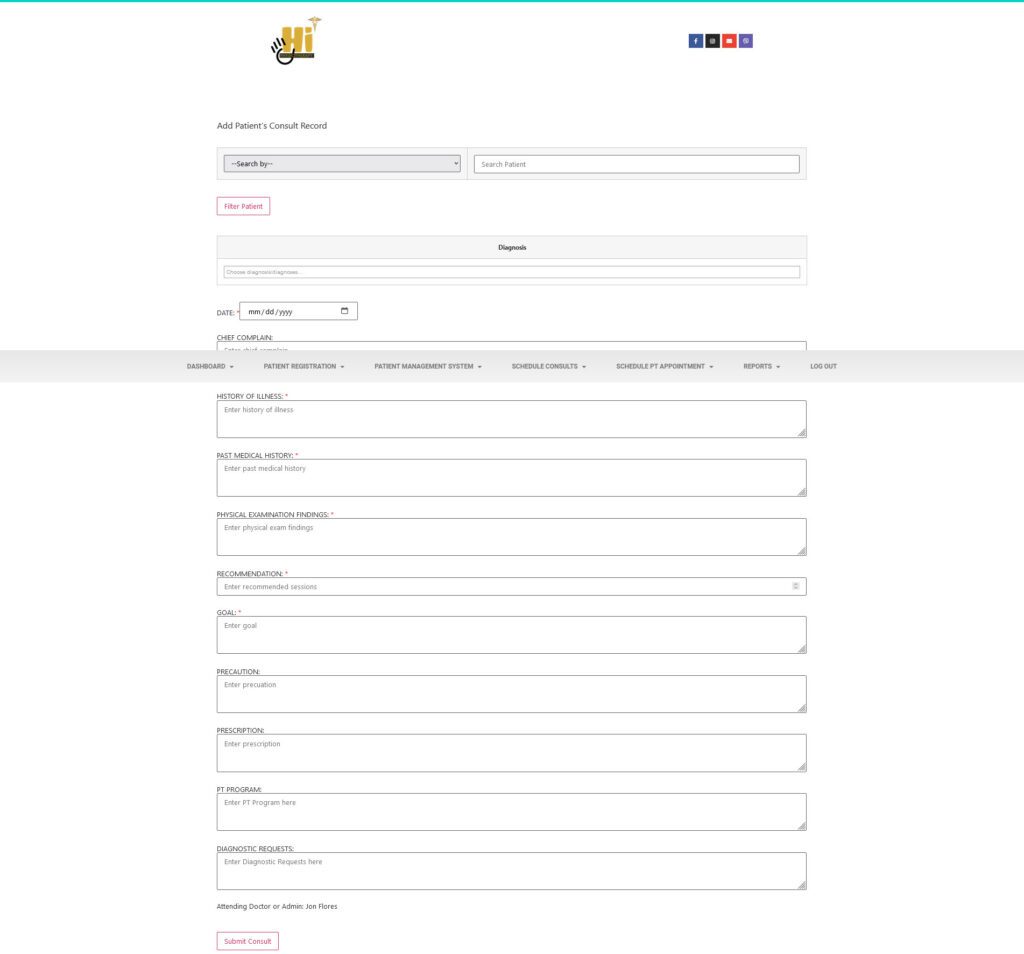
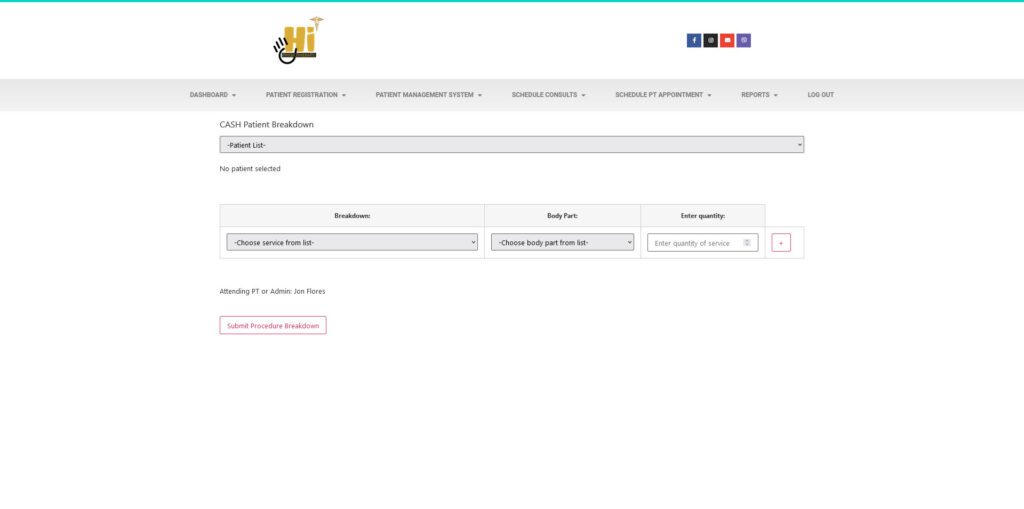
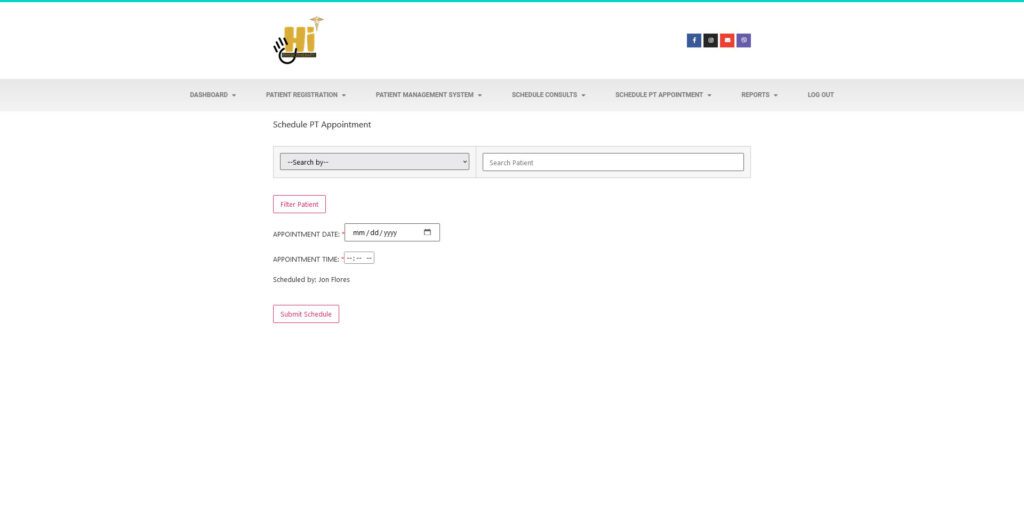
Pending Approval – you need to accomplice this after the end of each session
Verify Patient HMO – this is the same page where you will be redirected after registering a patient/client.
Patient Consultations
Add Vital Signs
Add Patient Consult
Add Patient DX on EXISTING consult
Edit Patient DX
Manage Patient Consults
Add/Edit Diagnosis
Patient Procedure Breakdown
Add Patient Procedure
Cash Breakdown
Manage Patient Breakdown
PT Notes
Add Patient Notes
Manage Patient Notes
Progress Reports
Add Progress Report
Manage Progress Report